Quick Definition
- [PIR sensor] [detects] [changes in body heat radiation]
- [Fresnel lens] [splits] [the detection area into motion zones]
- [HC-SR501 jumper] [selects] [retriggerable or single-trigger output behavior]
How PIR Detection Actually Works
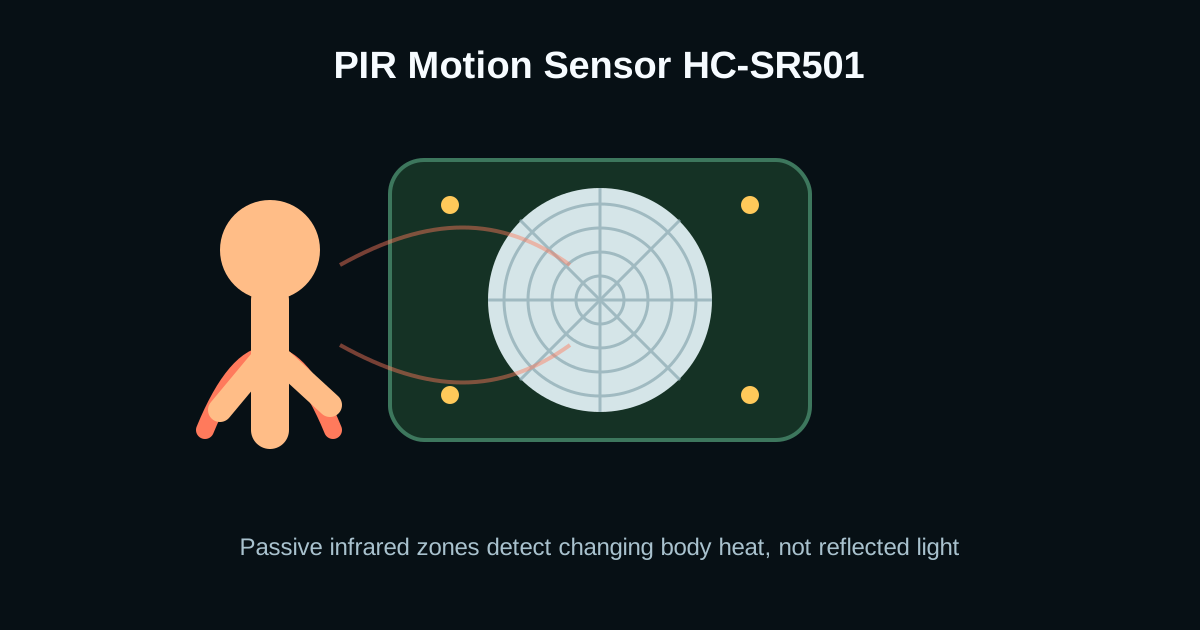
Unlike an obstacle IR module, a PIR sensor does not emit infrared light. It passively watches the room for changes in thermal radiation. A human body emits strongly around 9-10 micrometers, and the pyroelectric element responds when that heat pattern moves across its paired sensing elements.
The white dome is not just a cover. It is a Fresnel lens that divides the room into alternating zones. Motion across zones creates a changing signal; a stationary person may not keep triggering the module.
Delay, Sensitivity, and Retrigger Settings
The HC-SR501 usually has two potentiometers and one jumper. Sensitivity changes the effective detection range. Delay controls how long the OUT pin stays HIGH after motion. The jumper chooses whether motion can extend the timer while the output is already active.
For lighting automation, retrigger mode is usually better because continued movement keeps the light on. For counting events, single-trigger mode is easier because each output pulse is separated by a timeout.
- Use low delay during debugging so you are not waiting minutes between tests.
- Aim the dome across the direction of motion, not directly toward the approach path.
- Keep PIR modules away from heaters, windows, exhaust fans, and direct sun patches.
Arduino PIR Motion Alarm Code
PIR modules are easy to read because the output is already digital. The tricky part is ignoring the warm-up period and avoiding repeated serial spam.
const int pirPin = 2;
bool lastMotion = false;

void setup() {
  pinMode(pirPin, INPUT);
  Serial.begin(9600);
  delay(45000); // PIR warm-up
}

void loop() {
  bool motion = digitalRead(pirPin) == HIGH;

  if (motion && !lastMotion) {
    Serial.println("Motion detected");
  }

  lastMotion = motion;
}
Frequently Asked Questions
Does a PIR sensor work through glass?
Usually no. Common glass blocks much of the long-wave infrared radiation PIR sensors detect, so a person behind a window may not trigger the sensor reliably.
Why does my PIR trigger with no person nearby?
False triggers often come from heat sources, sunlight movement, air drafts, unstable power, or insufficient warm-up time. Add decoupling, move the sensor, and reduce sensitivity.
What is retrigger mode on HC-SR501?
Retrigger mode keeps extending the HIGH output as long as motion continues. Non-retrigger mode outputs one timed pulse, then waits before it can trigger again.