Quick Definition
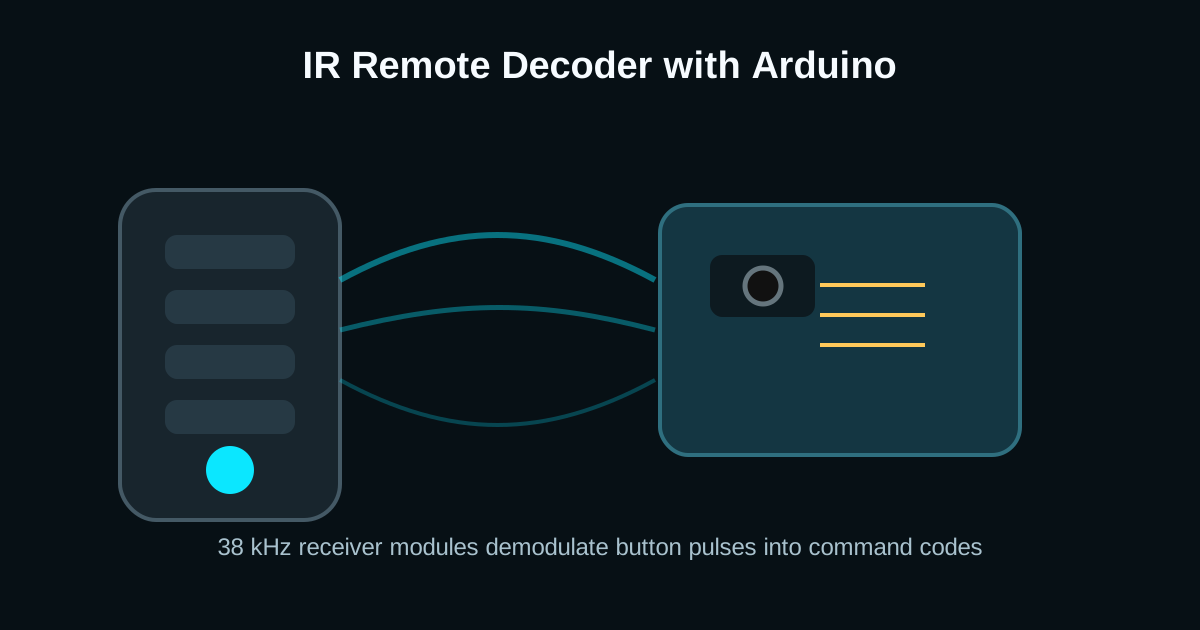
- [IR remote] [modulates] [infrared LED pulses at 38 kHz]
- [TSOP receiver] [demodulates] [carrier bursts into logic pulses]
- [Arduino decoder] [maps] [protocol frames to button commands]
Why Remote Controls Use 38 kHz Modulation
A bare photodiode would see sunlight, lamps, and reflections. Remote systems solve that by blinking the IR LED at a carrier frequency, usually around 38 kHz. The receiver module contains optical filtering, automatic gain control, and a bandpass stage tuned to that carrier.
The output pin does not reproduce the carrier itself. It gives a clean digital pulse train representing where the carrier bursts were present. Most modules output LOW during a detected burst and HIGH when idle.
NEC Frames: Address, Command, and Repeat Pulses
The NEC protocol starts with a long leader pulse, then sends address and command bits using pulse-distance encoding. A short mark followed by a short space is a 0; the same mark followed by a longer space is a 1.
When you hold a button down, many remotes do not retransmit the full command. They send compact repeat frames. Good code handles both the first command and subsequent repeats so volume, steering, or menu navigation feels responsive.
Arduino Button Mapping Example
Libraries make IR decoding much easier than writing pulse measurement code by hand. Once you print the command values, map each button to a project action.
#include <IRremote.hpp>

const int receiverPin = 2;

void setup() {
  Serial.begin(9600);
  IrReceiver.begin(receiverPin);
}

void loop() {
  if (IrReceiver.decode()) {
    unsigned long command = IrReceiver.decodedIRData.command;

    switch (command) {
      case 0x45: Serial.println("Power"); break;
      case 0x46: Serial.println("Volume up"); break;
      case 0x15: Serial.println("Volume down"); break;
      default: Serial.println(command, HEX);
    }

    IrReceiver.resume();
  }
}
Frequently Asked Questions
Can Arduino decode any IR remote?
Most consumer remotes can be decoded if the carrier is near the receiver frequency and the protocol is supported by the library. Air conditioner remotes may send very long state frames that need extra memory.
Why does my IR receiver output random codes?
Common causes include poor power decoupling, fluorescent lighting noise, wrong receiver carrier frequency, or not calling resume after decoding. Add a 100 nF capacitor near the module.
What is the difference between VS1838B and TSOP4838?
Both are 38 kHz demodulating receivers, but TSOP-family parts are usually better specified for noise rejection, supply range, and AGC behavior. VS1838B modules are common in starter kits.