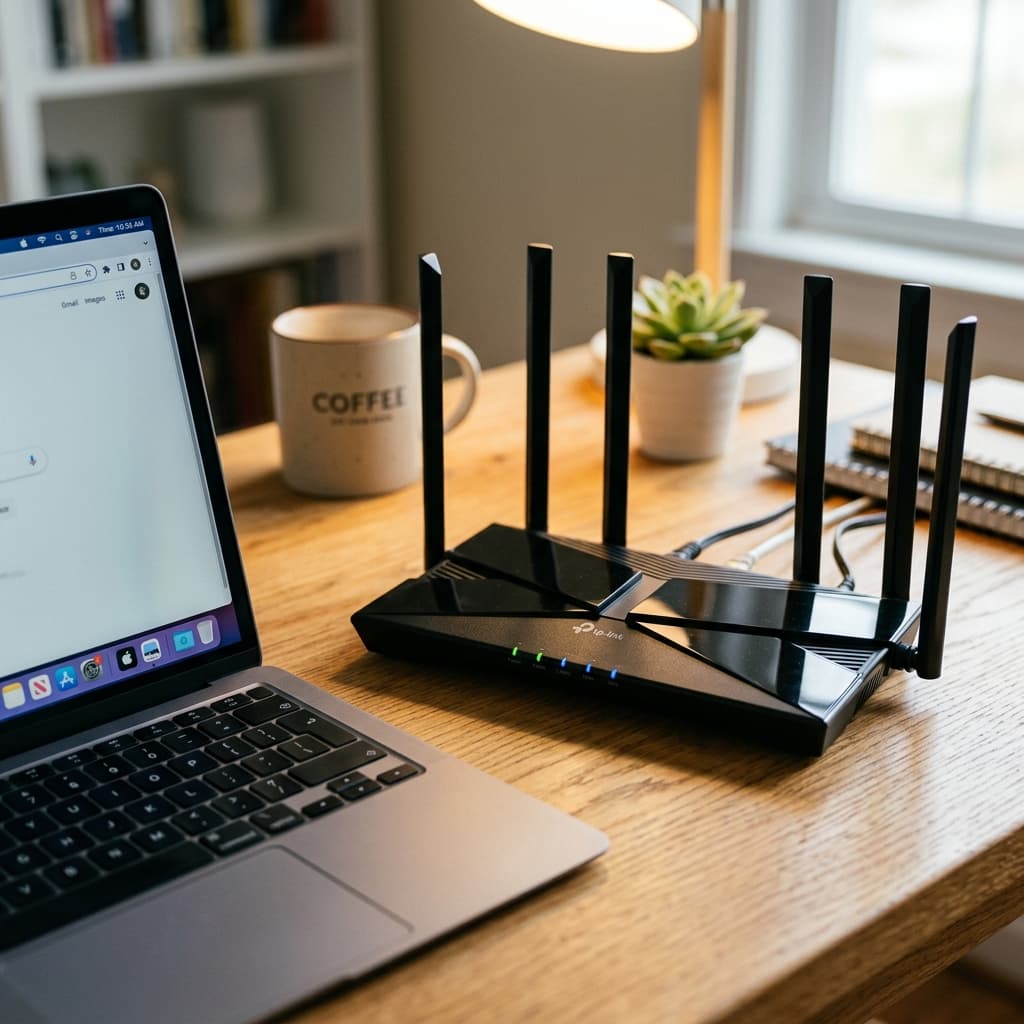
What Is WiFi?
WiFi (short for Wireless Fidelity) is a family of wireless networking protocols based on the IEEE 802.11 standard, enabling devices to communicate over radio waves without physical cables. First commercially deployed in 1997, WiFi now connects over 22 billion devices worldwide and is governed by the Wi-Fi Alliance, a non-profit industry consortium.
For electronics makers, WiFi opens the door to connected IoT projects. The ESP32 microcontroller includes a built-in 2.4 GHz WiFi radio, making it the go-to chip for smart sensors, web servers, and cloud-connected devices without any additional hardware.
The Radio Wave Foundation
WiFi transmits data by encoding digital information onto electromagnetic radio waves. The process from click to packet delivery involves several physical layers:
- Data Encoding: Your device breaks data into packets and encodes them digitally (binary 0s and 1s).
- Modulation: A modulator converts binary data into analog variations of a carrier radio wave using techniques like QAM (Quadrature Amplitude Modulation) — WiFi 6 uses 1024-QAM, encoding 10 bits per symbol vs 8-bit 256-QAM in WiFi 5.
- Transmission: The modulated signal is amplified and broadcast from the antenna at 2.4 GHz or 5 GHz. Radio waves propagate at the speed of light (3×10⁸ m/s).
- Reception: The receiving device's antenna captures the radio wave and its demodulator reverses the process, recovering the original digital packets.
WiFi Standards: From 802.11b to WiFi 7
| Generation | Standard | Year | Max Speed | Bands |
|---|---|---|---|---|
| — | 802.11b | 1999 | 11 Mbps | 2.4 GHz |
| — | 802.11g | 2003 | 54 Mbps | 2.4 GHz |
| WiFi 4 | 802.11n | 2009 | 600 Mbps | 2.4 / 5 GHz |
| WiFi 5 | 802.11ac | 2013 | 3.5 Gbps | 5 GHz |
| WiFi 6 | 802.11ax | 2019 | 9.6 Gbps | 2.4 / 5 GHz |
| WiFi 6E | 802.11ax (ext) | 2021 | 9.6 Gbps | 2.4 / 5 / 6 GHz |
| WiFi 7 | 802.11be | 2024 | 46 Gbps | 2.4 / 5 / 6 GHz |
2.4 GHz vs 5 GHz: Which Band to Use?
📡 2.4 GHz Band
- ✅ Longer range (50m+ indoors)
- ✅ Better wall/obstacle penetration
- ✅ Supported by all WiFi devices
- ❌ Lower max speed (up to 600 Mbps)
- ❌ Only 3 non-overlapping channels (1, 6, 11)
- ❌ Heavy interference from Bluetooth, microwaves
⚡ 5 GHz Band
- ✅ Much higher max speed (up to 9.6 Gbps)
- ✅ 25 non-overlapping channels
- ✅ Less congested, lower interference
- ❌ Shorter range (~30m indoors)
- ❌ Weaker wall penetration
- ❌ Higher power consumption
WiFi Security: WEP → WPA2 → WPA3
WiFi security has evolved dramatically. Here's what each generation protects against:
WEP (1997)
🔴 BrokenWired Equivalent Privacy — completely broken by 2001. RC4 cipher with static keys can be cracked in minutes with freely available tools. Never use.
WPA/TKIP (2003)
🟠 DeprecatedWiFi Protected Access improved on WEP with TKIP (Temporal Key Integrity Protocol), but still vulnerable to TKIP MIC attacks and offline dictionary attacks.
WPA2/CCMP (2004)
🟡 AcceptableIntroduced AES-128 encryption via CCMP. Vulnerable to PMKID attacks allowing offline password cracking. Use strong passwords (20+ chars) as mitigation.
WPA3/SAE (2018)
🟢 RecommendedSimultaneous Authentication of Equals (SAE) replaces PSK. Provides forward secrecy — each session uses unique keys. Captures cannot be used for offline cracking.
WiFi in IoT Projects: ESP32 Basics
The ESP32 integrates a full 802.11 b/g/n WiFi radio alongside a dual-core 240 MHz processor, making it the most popular microcontroller for WiFi-connected maker projects. It supports three WiFi modes:
Station (STA) Mode
Connects to an existing WiFi router as a client. Most common mode for IoT sensors sending data to cloud services or a local server.
Access Point (AP) Mode
Creates its own WiFi network. Other devices (phones, tablets) connect directly to the ESP32. Useful for device configuration portals.
Combined STA+AP Mode
Acts as both client and access point simultaneously. Allows local device configuration while maintaining cloud connectivity.
Frequently Asked Questions
How does WiFi transmit data wirelessly?
WiFi transmits data by converting digital information into radio waves using a process called modulation. The router encodes data onto a carrier wave in the 2.4 GHz or 5 GHz frequency bands using techniques like OFDM (Orthogonal Frequency Division Multiplexing). The receiving device's wireless adapter picks up these radio waves, demodulates them, and converts them back into digital data.
What is the difference between 2.4 GHz and 5 GHz WiFi?
2.4 GHz WiFi has longer range (up to 50m indoors) and better wall penetration, but lower maximum speed and more interference from other devices. 5 GHz WiFi offers higher speeds (up to 3.5 Gbps on WiFi 6) and less congestion, but shorter range (~30m) and poorer wall penetration. Use 2.4 GHz for range-dependent IoT devices and 5 GHz for high-bandwidth streaming.
What do WiFi 4, WiFi 5, and WiFi 6 mean?
These are simplified marketing names for IEEE 802.11 standards: WiFi 4 = 802.11n (2009, max 600 Mbps), WiFi 5 = 802.11ac (2013, max 3.5 Gbps), WiFi 6 = 802.11ax (2019, max 9.6 Gbps, introduces OFDMA), WiFi 6E extends to the 6 GHz band, and WiFi 7 = 802.11be (2024, max 46 Gbps).
How does WPA3 make WiFi more secure than WPA2?
WPA3 improves on WPA2 in three key ways: (1) SAE handshake prevents offline dictionary attacks. (2) Forward secrecy ensures past sessions remain secure even if the password is later compromised. (3) 192-bit encryption for enterprise networks vs WPA2's 128-bit.
How do I use WiFi with ESP32 for IoT projects?
The ESP32 has built-in 2.4 GHz WiFi (802.11 b/g/n). Use WiFi.begin(ssid, password) to connect, then use HTTPClient for HTTP requests or the MQTT library for IoT messaging. The ESP32 supports Station mode, Access Point mode, or combined Station+AP mode.
Conclusion
WiFi is a triumph of engineering — radio physics, digital signal processing, cryptography, and networking protocols working invisibly together to deliver gigabits of data through the air. From the OFDM modulation scheme that handles multipath interference to WPA3's forward-secret authentication, every layer exists to solve a real problem. For makers, the ESP32 brings this entire wireless stack to a $4 microcontroller, opening infinite possibilities for connected projects.
Start your WiFi IoT journey with the ESP32 guide, explore how GPS works alongside WiFi for positioning, or check out beginner IoT projects.
📚 References & Sources
Related Resources
ESP32 Guide
Build WiFi-connected IoT projects with the ESP32 microcontroller
How GPS Works
Combine WiFi positioning with GPS for precise location tracking
Beginner Projects
Start with simple WiFi-connected sensor and monitoring projects
How Transistors Work
Understand the semiconductor devices that power WiFi chips